Updated October 2026 · By Wendy Campbell, Director of Marketing, Automated Business Technologies
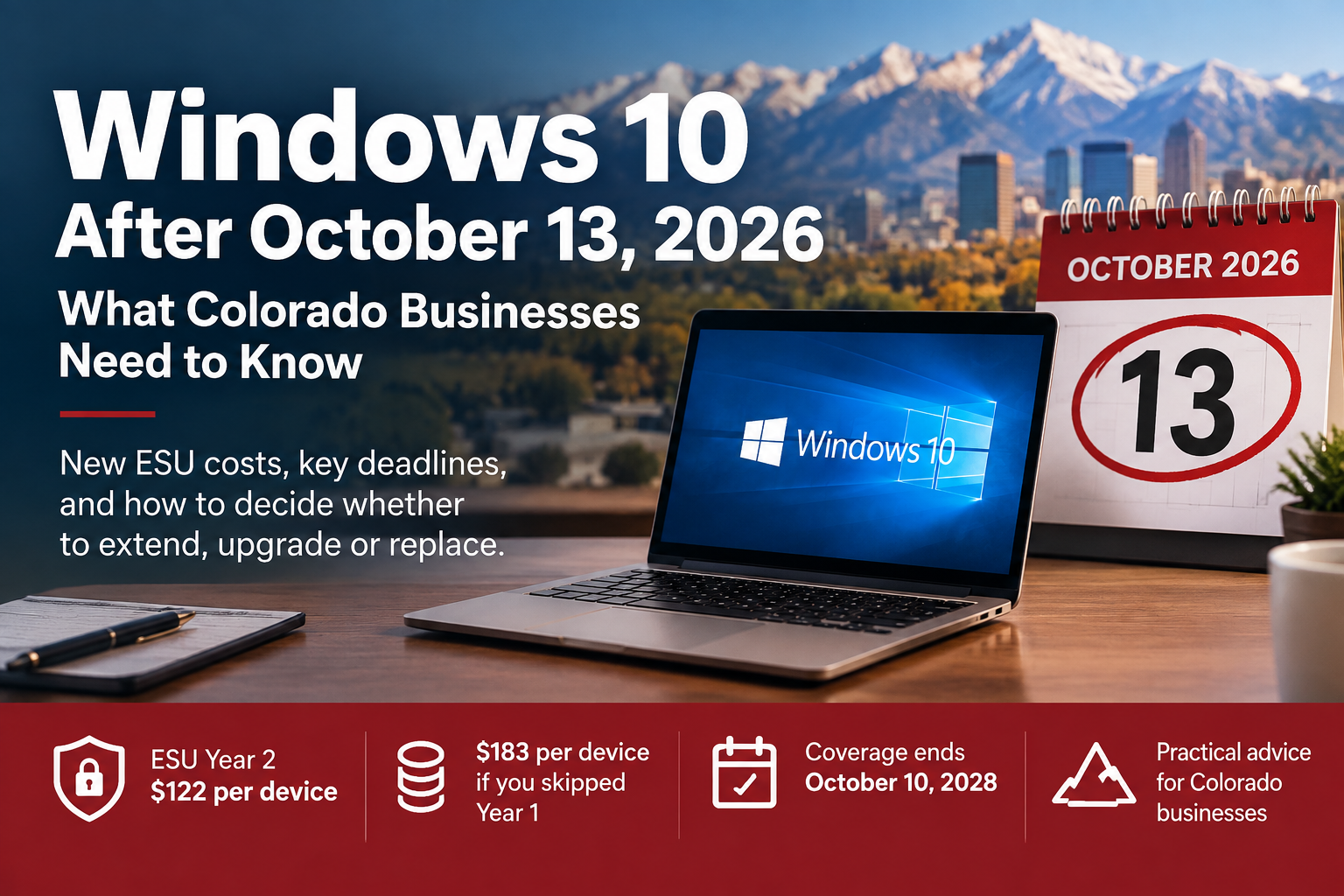
Windows 10 reached end of support on October 14, 2025. A lot of Colorado businesses bought a year of breathing room through Microsoft’s Extended Security Updates (ESU) program, and a lot of others simply kept running Windows 10 and hoped for the best. Either way, the next deadline is here: Year 1 of Windows 10 ESU ends on October 13, 2026, and the price to stay covered doubles.
This guide lays out what each option actually costs per device, which PCs are worth extending, and how to decide before the deadline instead of after it.
|
Quick answer After October 13, 2026, business PCs still on Windows 10 need ESU Year 2 to keep getting security patches. Year 2 costs $122 per device, and because ESU is cumulative, a business that skipped Year 1 pays $183 per device ($61 + $122) to catch up. Year 3 is $244 per device, and coverage ends for good on October 10, 2028. For most office PCs, upgrading eligible machines to Windows 11 for free, or replacing older ones, costs less than two more years of ESU. |
| Not sure how many Windows 10 PCs you still have? Most businesses find a few they forgot about. Request a free IT assessment and tell us you need a Windows 10 plan, or call 303-778-0600. |
What changes on October 13, 2026
Nothing visible happens to a Windows 10 PC on October 14. It still boots, Outlook still opens and your line-of-business software still runs. What changes is what happens the next time Microsoft fixes a security hole in Windows:
- PCs enrolled in ESU Year 2 keep getting critical and important security updates.
- PCs without ESU get nothing. Every newly discovered Windows vulnerability stays open on that machine permanently.
ESU is a security-only program. It doesn’t include new features, non-security fixes or general technical support. Its job is to buy time, not to make Windows 10 a long-term platform.
Windows 10 ESU pricing for businesses
Microsoft sells commercial ESU per device, per year. The price doubles each year, and you can’t skip a year: if you want Year 2 coverage, you pay for Year 1 too.
| ESU year | Covers through | Price per device | If you’re starting now |
|---|---|---|---|
| Year 1 | October 13, 2026 | $61 | Required back-payment |
| Year 2 | October 12, 2027 | $122 | $183 total (Year 1 + Year 2) |
| Year 3 (final) | October 10, 2028 | $244 | $427 total for all three years |
Prices are Microsoft’s published commercial ESU prices, in U.S. dollars per device. Businesses buy ESU through Microsoft Volume Licensing or a Microsoft Cloud Solution Provider (CSP) partner, which delivers activation keys for each PC. Windows 10 running in Windows 365 or Azure Virtual Desktop gets ESU at no additional cost.
What that looks like for a 25-PC office
| Scenario | ESU cost through Oct 12, 2027 | ESU cost through Oct 10, 2028 |
|---|---|---|
| Already enrolled in Year 1 | 25 × $122 = $3,050 | + 25 × $244 = $9,150 total |
| Skipped Year 1, enrolling now | 25 × $183 = $4,575 | + 25 × $244 = $10,675 total |
And after all of that, those 25 PCs are still running an operating system with no future, on hardware that’s at least as old as it is today. That’s the real problem with ESU as a plan: every dollar goes to delaying a decision, not to resolving it.
Your three options, compared
| Option | Best for | Cost per device | Watch out for |
|---|---|---|---|
| 1. Upgrade to Windows 11 | PCs that meet Windows 11 hardware requirements | No license cost for eligible PCs; labor for testing and rollout | Older apps, printer drivers and scanning software need testing first |
| 2. Replace the PC | PCs that can’t run Windows 11, or are 5+ years old | New hardware plus setup and data migration | Lead time. Ordering, imaging and setup take weeks, not days |
| 3. Buy ESU Year 2 | PCs tied to software or equipment that only runs on Windows 10 | $122, or $183 if you skipped Year 1 | Price doubles again in 2027. Coverage ends for good on October 10, 2028 |
Option 1: Upgrade eligible PCs to Windows 11
Microsoft’s own upgrade FAQ says it plainly: upgrades from Windows 10 to Windows 11 are free. The catch is the hardware. Microsoft’s minimum requirements include:
- A compatible 64-bit processor (1 GHz or faster, 2+ cores) on Microsoft’s supported list
- 4 GB of RAM and 64 GB of storage
- UEFI firmware with Secure Boot
- TPM 2.0
The processor and TPM requirements are what usually rule PCs out. A machine with 4 GB of RAM technically qualifies, but it won’t be pleasant to use. For a business PC, 8 GB is the practical floor and 16 GB is better. Before you upgrade, test the applications your team depends on: accounting and practice management software, scanning and print drivers, VPN clients and anything a vendor installed years ago.
Option 2: Replace PCs that can’t make the jump
A PC that can’t run Windows 11 is usually old enough that replacing it was coming soon anyway. Compare the cost of a new business-class PC against $183 for one more year of ESU, then add the $244 Year 3 price, and replacement usually wins for anything you plan to keep using past 2027.
If you’re buying before December 31, ask your tax advisor about Section 179. Qualifying equipment placed in service by the end of the tax year may be deductible in 2026. That means the timing works in your favor if you order now.
| Planning a hardware refresh? Read the business case for upgrading devices now, or talk to ABT about replacing PCs before the deadline. |
Option 3: Buy ESU Year 2, for the right machines
ESU makes sense for a short list of PCs, not a whole office:
- PCs that run software with no Windows 11 version yet, such as an older line-of-business app or a device controller
- PCs connected to specialized equipment (lab, manufacturing or medical devices) where a new operating system means vendor revalidation
- Large fleets where replacement is budgeted in phases and some machines won’t be swapped until 2027
If you go this route, treat ESU as a deadline, not a solution: name the PCs, name the reason each one needs Windows 10, and set the date each one gets replaced.
Can a business use the consumer ESU option?
No. Microsoft’s consumer ESU program lets home users extend Windows 10 coverage through October 12, 2027 for a one-time $30, 1,000 Microsoft Rewards points, or free if they sync their PC settings. But Microsoft excludes devices joined to an Active Directory domain or Microsoft Entra, and devices enrolled in mobile device management (MDM). It also suspends consumer ESU on any device being used as a commercial device. Business PCs need commercial ESU, purchased through Microsoft Volume Licensing or a CSP partner.
The other October 13 deadline: Office 2021
Microsoft is ending support for Office 2021 and Office LTSC 2021 on the same day, October 13, 2026. After that, those versions get no more security updates or bug fixes. If your team bought Office as a one-time purchase in 2021 or 2022, it’s on this list.
Microsoft 365 Apps (the subscription version of Office) is on a different schedule. On Windows 10 it stays on Version 2608 and gets security updates only, until October 10, 2028. That protects Word, Excel and Outlook, but it doesn’t patch Windows itself. A Windows 10 PC without ESU is still unprotected at the operating system level, no matter which version of Office it runs.
The real risk of doing nothing
An unpatched Windows 10 PC doesn’t fail on day one. The risk builds every month as new vulnerabilities are published and never fixed on that machine. Here’s where that shows up for a Colorado business:
- Cyber insurance. Underwriters routinely ask whether all systems run supported, patched software. An unsupported operating system can complicate a renewal or a claim. Read what cyber insurance underwriters expect in 2026.
- Compliance. HIPAA, PCI DSS and most security frameworks expect you to patch known vulnerabilities. “We didn’t renew ESU” is a hard answer to give an auditor.
- One weak PC is enough. Attackers don’t need your server. They need one unpatched machine on the same network as everything else.
|
Make this the last operating system deadline you scramble for With ABT Managed IT Services, your devices are inventoried, patched and monitored, and replacements are planned years ahead instead of weeks before a deadline. See what managed IT costs for a Colorado small business. |
How to decide in the next two weeks
- Count every Windows 10 PC. Include laptops in drawers, the PC running the front-desk check-in, the one attached to the plotter and the conference room machine.
- Check each one against Windows 11 requirements. Sort them into three groups: can upgrade, must replace and must stay on Windows 10 for now.
- Upgrade the eligible group first. Test critical apps on one or two machines, then roll out.
- Order replacements for the second group. If they won’t arrive before October 13, decide whether those machines need a short ESU bridge.
- Buy ESU only for the third group, and write down when each of those PCs will be replaced.
- Check Office versions on every machine while you’re at it, so Office 2021 doesn’t become the next surprise.
| Want help sorting your PCs? Start with ABT’s risk-free IT assessment. Choose “MITS” as your area of interest and mention Windows 10, and we’ll help you work through steps 1 through 6. |
Windows 10 end of support FAQs
When does Windows 10 ESU Year 1 end?
Year 1 of the commercial Windows 10 Extended Security Updates program ends on October 13, 2026. To keep receiving security updates after that, business PCs need ESU Year 2.
How much does Windows 10 ESU Year 2 cost for businesses?
Year 2 costs $122 per device. Because ESU is cumulative, a business that didn’t buy Year 1 must pay for it too, for a total of $183 per device.
What happens if I don’t buy ESU Year 2?
Your Windows 10 PCs keep working, but they stop receiving Windows security updates after October 13, 2026. Any new vulnerability found after that date stays unpatched on those machines.
How long can a business keep Windows 10 on ESU?
ESU is available for up to three years after Windows 10’s end of support. Year 3 coverage ends October 10, 2028, costs $244 per device, and there’s no Year 4.
Is upgrading to Windows 11 free?
Yes. Microsoft says upgrades from Windows 10 to Windows 11 are free, as long as the PC meets Windows 11’s hardware requirements. The main costs are testing your applications and the time to roll out the upgrade.
Can my business use the $30 consumer ESU plan?
No. Microsoft’s consumer ESU program excludes PCs joined to an Active Directory domain or Microsoft Entra, and PCs enrolled in MDM. Business PCs need commercial ESU from Microsoft Volume Licensing or a CSP partner.
Is Office 2021 also losing support?
Yes. Office 2021 and Office LTSC 2021 reach end of support on October 13, 2026. Microsoft 365 Apps continues to get security updates on Windows 10 until October 10, 2028.
Which PCs should get ESU instead of an upgrade?
Only PCs that truly need Windows 10, such as machines running software with no Windows 11 version or PCs connected to specialized equipment that requires vendor revalidation. Everything else is usually cheaper to upgrade or replace.
|
Get your Windows 10 plan done before October 13 ABT’s managed IT team works with businesses across Denver, Colorado Springs and the Front Range. Tell us how many PCs you have and we’ll help you sort out which to upgrade, replace or extend. Request a Free IT AssessmentExplore Managed IT Denver 303-778-0600 · Colorado Springs 719-434-4080 · Westminster 720-389-2460 |
Related: Endpoint security for growing Colorado businesses · 24/7 network monitoring · Break-fix vs. managed IT
Sources: Microsoft: Windows 10 ESU program · Microsoft: ESU coverage dates · Microsoft: Consumer ESU · Microsoft: Upgrade to Windows 11 FAQ · Microsoft: Windows 11 requirements · Microsoft: End of support for Office 2021 · Microsoft: Microsoft 365 Apps on Windows 10