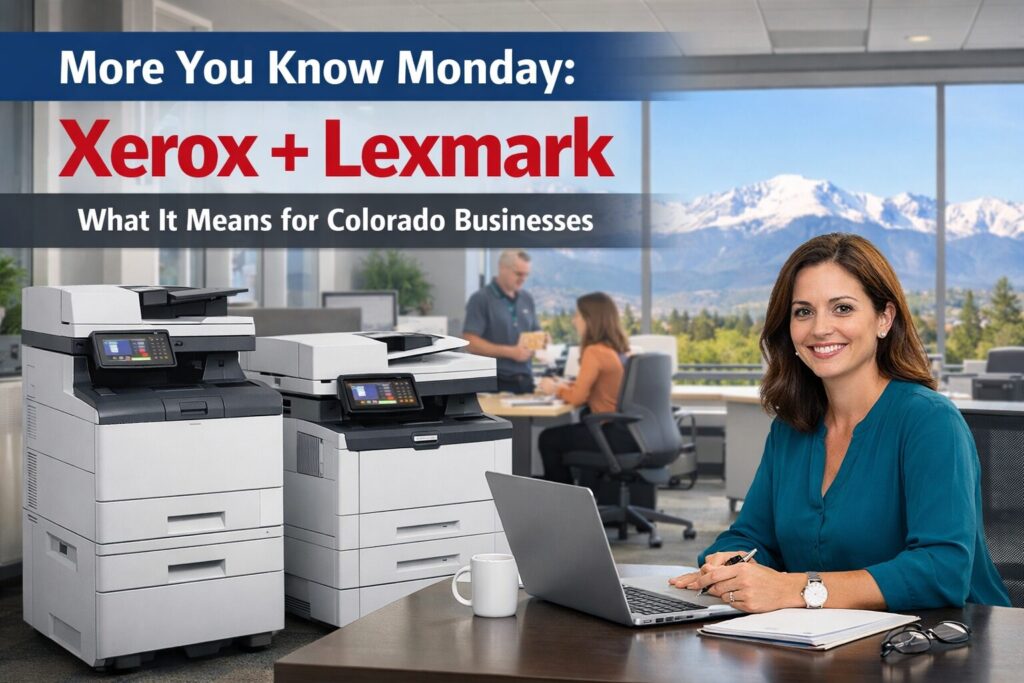
Did you know Xerox’s acquisition of Lexmark is helping simplify the “printer decision” for many businesses—especially in the A4 workgroup category? Xerox says nothing needs to change on your end, while integration continues across portfolio and go-to-market. Industry coverage also reports Xerox has been transitioning much of its A4 lineup toward Lexmark-based engine platforms. The practical takeaway for Colorado decision makers: buying Xerox can mean a clearer roadmap, more consistent fleet management, and fewer operational surprises—without betting on any assumed rebrand timeline.
Key takeaways
-
Xerox says no immediate action is required for customers.
-
Xerox is integrating portfolio and sales motions post-acquisition.
-
Industry coverage reports Xerox has been transitioning much of A4 toward Lexmark-based platforms.
-
The win is standardization: fewer models, fewer drivers, fewer supply SKUs, fewer headaches.
-
Treat “Lexmark → Xerox branding” as possible direction, not a promised date.
Who it’s for / best fit: Colorado business owners, COOs, CFOs, IT leaders, and ops managers who want predictable uptime, costs, and security—especially if you’re planning an A4 refresh this year.

Did You Know?
🟦 Did you know… “buying Xerox” is increasingly about buying a platform, not just a logo?
Most people shop printers like they shop office chairs: pick a model, pick a price, move on.
But if you’re the person who gets the call when printing breaks (or the person who signs the checks), you know the truth:
Printing is an operational system.
And systems run best when they’re consistent.
That’s why the Xerox + Lexmark story is worth your attention—because it points to a future where your Xerox fleet can be easier to standardize, easier to secure, and easier to support.
The “More You Know” Moment: Xerox Acquired Lexmark
Here’s the official foundation:
-
Xerox has a published details explaining what the acquisition means for clients like you—most notably: “nothing needs to change on your end.” You can read it here.
-
Xerox has also published newsroom updates describing a more unified go-to-market and integrated portfolio direction following the acquisition. See the newsroom release.
-
Lexmark’s own site positions the brand as “now part of Xerox.” See Lexmark’s homepage.
So, what does this actually mean to you?
The Part Decision Makers Actually Care About
Did you know… industry coverage reports Xerox has been transitioning much of its A4 lineup toward Lexmark-based engine platforms?
This is the “inside baseball” that matters for real-world outcomes.
Industry reporting has described Xerox’s A4 portfolio as being transitioned toward Lexmark-based platforms. One example: ActionIntell coverage here.
This is reported by industry sources as a broad A4 direction for Xerox—not an official “every single model is X” blanket statement from Xerox for all time. In other words: it’s a strong directional signal, and it aligns with what we’re seeing in the channel, but you should still validate specific models during selection.
Now—why should you care?
Because A4 devices are the workhorses of most offices:
-
invoices + AP packets
-
proposals + contracts
-
HR onboarding
-
daily scanning (email, folders, SharePoint/OneDrive)
-
front desk printing
-
“I need it now” walk-up jobs
If your A4 layer is messy, your office feels it every day.
What’s an “Engine Platform” Anyway?
An engine platform is the mechanical + imaging core of a printer/MFP—paper path, imaging architecture, fusing, and how maintenance parts are designed and serviced.
The platform influences:
-
how often devices need service
-
how predictable consumables are
-
how consistent the fleet feels to users and IT
-
how easy it is to keep devices configured securely
The skinny for you: platform consistency reduces surprises.
Why This Makes Buying Xerox More Compelling
Let’s talk Xerox value—because that’s what you’re here for.
1) You can standardize faster (and stop paying the “complexity tax”)
The biggest hidden cost in printing isn’t the lease payment. It’s the chaos:
-
multiple models
-
multiple supplies SKUs
-
multiple driver packages
-
inconsistent settings
-
inconsistent security
-
inconsistent service outcomes
If Xerox’s A4 direction is consolidating toward fewer platform families (as industry coverage suggests), that can make standardization simpler.
Want to make standardization a real plan instead of a wish? Start here

2) Your service outcomes can become more predictable
When a fleet has fewer “special snowflake” models, service becomes repeatable:
-
parts stocking is easier
-
technician training is tighter
-
recurring issues get solved systematically
-
uptime becomes less random
In Colorado—where multi-site support and winter logistics can turn “small problems” into big interruptions—predictability is a serious advantage.
If uptime is the priority, this is the foundation: Managed Print Services.
3) It’s easier to enforce print security when your fleet isn’t a patchwork
If you have regulated departments (healthcare, legal, finance, local government), your risk isn’t theoretical:
-
sensitive docs left in output trays
-
scan-to destinations misconfigured
-
default admin passwords never changed
-
firmware updates inconsistent
A standardized fleet makes it much easier to enforce a security baseline.
Helpful starting points:
The Old Way vs. the Better Way
| What decision makers care about | Old way: “Buy a device” | Better way: “Standardize a platform” | What to do next (ABT) |
|---|---|---|---|
| Uptime | Devices picked ad hoc; service feels random | Fewer models = repeatable service + fewer surprises | Fleet assessment: https://yourabt.com/products/free-copier-contract-evaluation-2025/ |
| Budget predictability | Lease looks fine, but hidden costs pile up (IT time, emergencies, wrong supplies) | Fewer SKUs + fewer exceptions = more stable monthly spend | Managed Print Services: https://yourabt.com/solutions/managed-print-services/ |
| IT workload | Multiple driver packages + inconsistent configs | Standard configs + fewer drivers = fewer tickets | Request a Xerox shortlist: https://yourabt.com/products/xerox-copiers-printers-service-leasing-in-colorado/ |
| Security risk | Default settings linger; secure print inconsistent | One baseline enforced across fleet | Print security: https://yourabt.com/solutions/managed-it-services/ |
| Multi-site consistency | Each location “does its own thing” | Repeatable rollouts, same playbook everywhere | Multi-site rollouts: https://yourabt.com/solutions/managed-print-services/ |
| Refresh planning | Replace when it breaks | Refresh by tier + lifecycle planning | Fleet assessment: https://yourabt.com/products/free-copier-contract-evaluation-2025/ |
Old way: “Pick a device”
-
someone complains
-
you buy a printer
-
it works (until it doesn’t)
-
now you’ve added another model to the zoo
Better way: “Buy Xerox with a platform + governance plan”
-
define device tiers by workload
-
standardize 1–2 models per tier
-
lock security baselines
-
align supplies and service expectations
-
refresh on schedule—not during emergencies
If you want ABT to turn your fleet into a simple shortlist you can actually approve:
Request a Xerox shortlist
The “Did You Know?” Benefits You’ll Actually Feel
| What you care about | What “platform thinking” improves | What to do next |
|---|---|---|
| Uptime | fewer random failures + faster resolution | Schedule a fleet assessment |
| Budget control | fewer SKUs + fewer emergencies | Managed Print Services |
| IT workload | fewer drivers + fewer tickets | Request a shortlist |
| Security | enforceable baseline across fleet | Print security |
| Multi-site consistency | repeatable rollouts | Multi-site rollouts |
How to Buy Xerox the Smart Way in 2026
If you’re buying or refreshing this year, here’s the practical plan.
Step 1: Measure reality
Grab 30–60 days of:
-
volumes by device
-
color %
-
duplex %
-
scan volume + destinations
-
top recurring issues
Fastest path: Fleet assessment.
Step 2: Create three device tiers
-
Tier 1: general office (low-to-mid volume)
-
Tier 2: workgroup (higher volume + scanning)
-
Tier 3: high-demand/regulated (governance heavy)
Step 3: Standardize models by tier
Aim for:
-
one primary model per tier
-
one approved alternate if needed
Step 4: Lock security baselines
Minimum checklist:
-
change default admin credentials
-
enforce secure print where needed
-
restrict scan destinations where required
-
define firmware ownership and cadence
Start with: Print security.
Step 5: Add A3 only where it pays
A3 is fantastic when you truly need tabloid/ledger, finishing, or high duty cycles. If you don’t, focus on a tight A4 workgroup layer and keep things simple.
“Will Lexmark Become Xerox?”
Here’s the accurate, decision-maker-safe view:
-
Integration is clearly deepening (Lexmark is “now part of Xerox,” and Xerox describes a unified approach).
-
Xerox integrated portfolio messaging
But there is no publicly announced timeline stating “Lexmark will fully rebrand into Xerox by X date.” So don’t buy based on a branding prediction. Buy based on the things that create outcomes:
-
platform consistency
-
service coverage
-
security governance
-
total cost of ownership
Make this simple
Want a clean plan and a predictable outcome?
➡️ Schedule a fleet assessment
We’ll inventory your devices, review usage, identify risk points, and build a standardization roadmap you can approve confidently.
Get a shortlist you can actually act on
Want 2–3 Xerox options that match your departments (not a 40-model catalog)?
➡️ Request a Xerox shortlist
Short and Sweet for the Skimmers…
1) Did Xerox acquire Lexmark?
Yes. Xerox has a client page explaining what the acquisition means and stating customers don’t need to change anything immediately: Xerox acquisition benefits page.
2) Does Xerox say customers need to do anything right now?
No. Xerox’s guidance is that “nothing needs to change on your end” while integration continues: Xerox client guidance.
3) Are Xerox A4 devices “Lexmark inside”?
Industry coverage reports Xerox has been transitioning much of its A4 lineup toward Lexmark-based engine platforms; a commonly cited example is here: ActionIntell coverage. Validate specific models during selection.
4) What’s the biggest benefit of buying Xerox in this moment?
For many organizations, it’s the opportunity to standardize and reduce fleet complexity—fewer models, fewer drivers, fewer supply SKUs, and more predictable service outcomes.
5) What should a CFO care about here?
Total cost of ownership. Model sprawl creates hidden costs in supplies, downtime, IT time, and emergency replacements—standardization often reduces all of it.
6) What should an IT director care about here?
Consistency: fewer driver packages, cleaner deployment, and an easier time enforcing security baselines across the fleet.
7) How should healthcare/legal/finance teams think about this?
Treat security as a baseline requirement—admin controls, secure print, restricted scan destinations, and defined firmware policies. Start here: Print security.
8) Should we move everything to A4 and avoid A3?
Not automatically. Use A3 where it truly pays off (tabloid/ledger, finishing, higher duty cycles). Standardize A4 workgroups first for the quickest operational win.
9) What’s the fastest first step if we’re planning a refresh?
Do an inventory + usage review, then build a tiered standardization plan. Start here: Fleet assessment.
10) How does this help multi-site Colorado businesses?
Standardization makes rollouts repeatable across locations and reduces supply/service surprises. For multi-site planning: Multi-site rollouts.