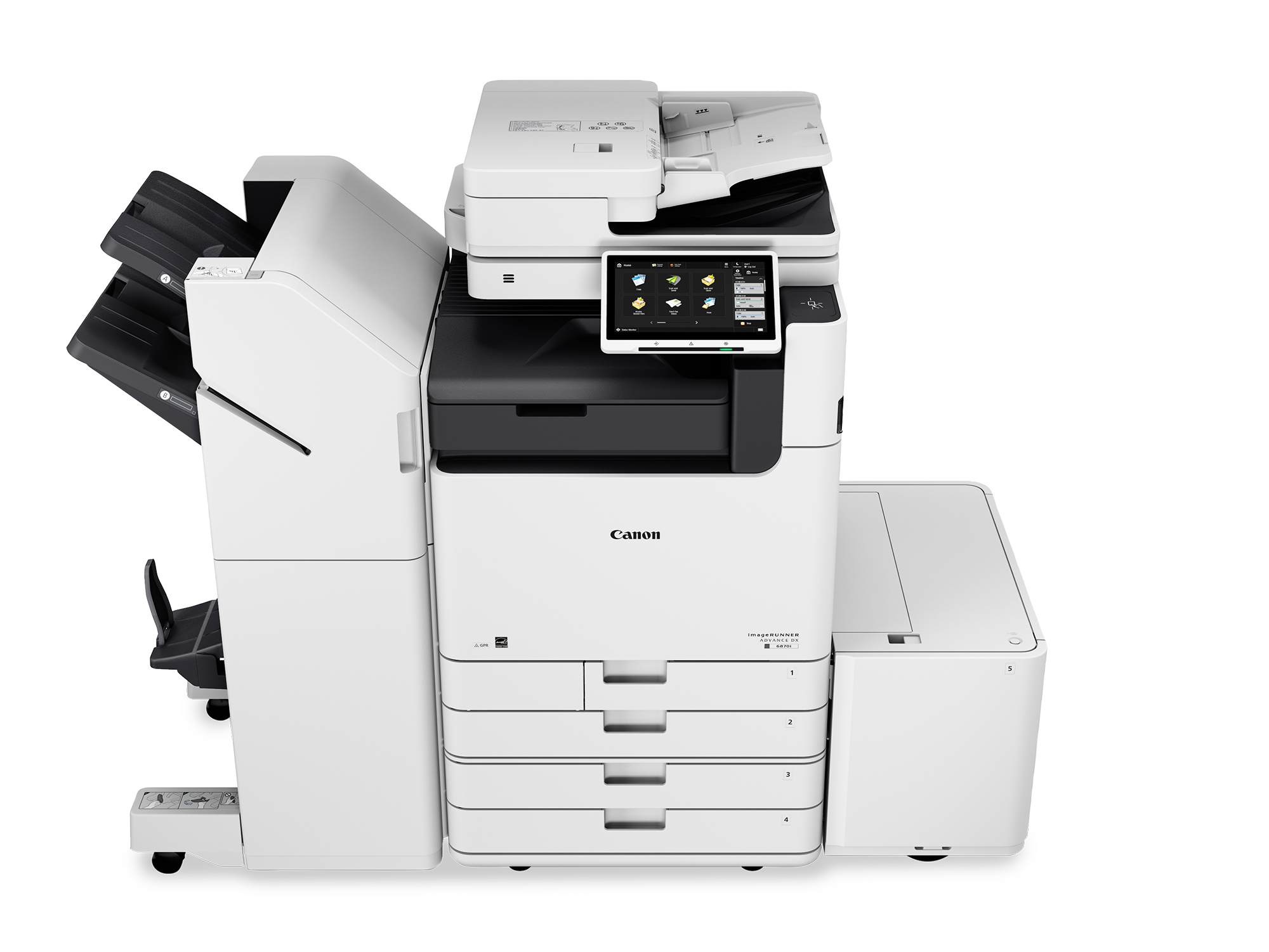
imageRUNNER ADVANCE DX
- Best for: shared hubs, 11×17 output, finishing, secure workflows
- Great for: legal, healthcare, education, AEC admin, operations
You’re not just buying a device—you’re building a document workflow your team can trust. ABT helps Colorado organizations choose the right Canon product line, configure the workflows (print + scan + security), and support the environment so you spend less time troubleshooting and more time getting work done.
Need help with fleet strategy and cost control? Start here: Managed Print Services. Need workflow tools like secure release or scan-to-cloud? Explore: Device Apps.
Canon’s lineup is wide on purpose. The right choice depends on what you do every day: scan-heavy intake, shared office printing, desk-side workgroup output, wide-format plan sets, or production graphics with finishing and tight deadlines.
If you already know the family name, jump straight to the device line cards below. If you don’t, start with a demo request and ABT will map you to the right series.
If users need quick answers on “how do I…”, add: ABT Help Desk.
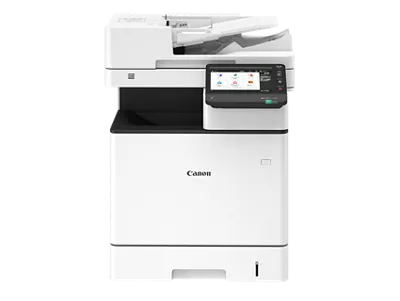
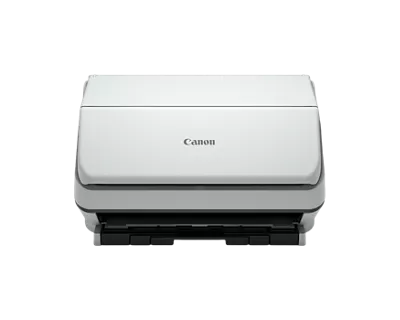
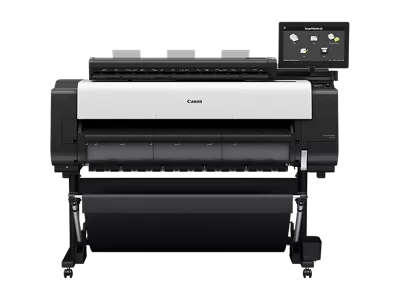
This is your Canon category hub. Each device family below links to a dedicated line page built for search visibility and faster decision-making (with images, series breakdowns, and brochures).
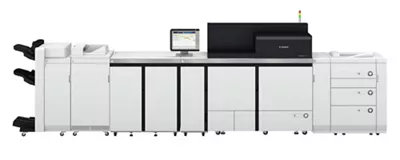
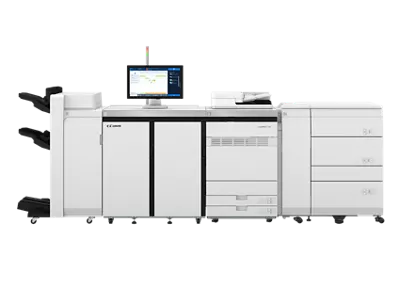
Looking for Canon workflow tools and optimization (not just hardware)? Jump to the Apps section below.
New devices are only the beginning. Apps and workflow tools can standardize secure print, improve scan routing, reduce waste, and give you visibility into fleet performance—especially in hybrid and multi-location environments.
Print + scan management for cost visibility, secure release, and consistent workflows (great for hybrid teams).
Reduce downtime with proactive monitoring that helps keep supplies and maintenance predictable.
Protect data with secure print, user authentication, and settings that reduce accidental exposure.
Support mobile printing and remote-friendly document access so users stay productive anywhere.
Reduce manual steps with standardized profiles, automation, and consistent user experiences across devices.
Plan rollout, adoption, and configuration so users don’t “freestyle” settings and workflows.
Use reporting and insights to identify waste, bottlenecks, and the most cost-effective right-sizing moves.
Track performance and alerts to prevent small issues from becoming big outages.
If your priority is cost control + uptime across many devices, connect apps with Managed Print Services.
Need a nearby team for demos, installs, workflow setup, or service support? Use the location pages below.
Canon devices + workflow planning + support for the Denver region.
Northern HQ coverage for installs, service, and fleet strategy.
Front Range support for office, wide-format, and production solutions.
Southern Colorado demos, installs, and service coverage.
Local Pueblo-area support for Canon devices and workflows.
Tri-Lakes support for installs, service, and managed solutions.
Start with the workflow: shared office hubs (imageRUNNER), desk-side workgroups (imageCLASS X), scanning intake (document scanners), wide-format (imagePROGRAF), or production output (imagePRESS / V Series). Then validate with a demo using your real files and peak-week reality.
Yes. Use ABT’s Canon demo request for recommendations and workflow fit. For service, submit ABT’s service request so your issue is routed correctly.
That’s where device apps and workflow tools come in. Start with Device Apps or request a workflow demo via Device App Solutions.
Tell ABT what you print and scan, how much you do monthly, and what your biggest “pain points” are. We’ll map you to the right Canon line and a rollout plan your users can actually follow.
If you want to speed up the recommendation, include: monthly volume, percent color, scan destinations, and peak-week deadlines.
ABT will recommend the right family and the right workflow—not just a model number.